
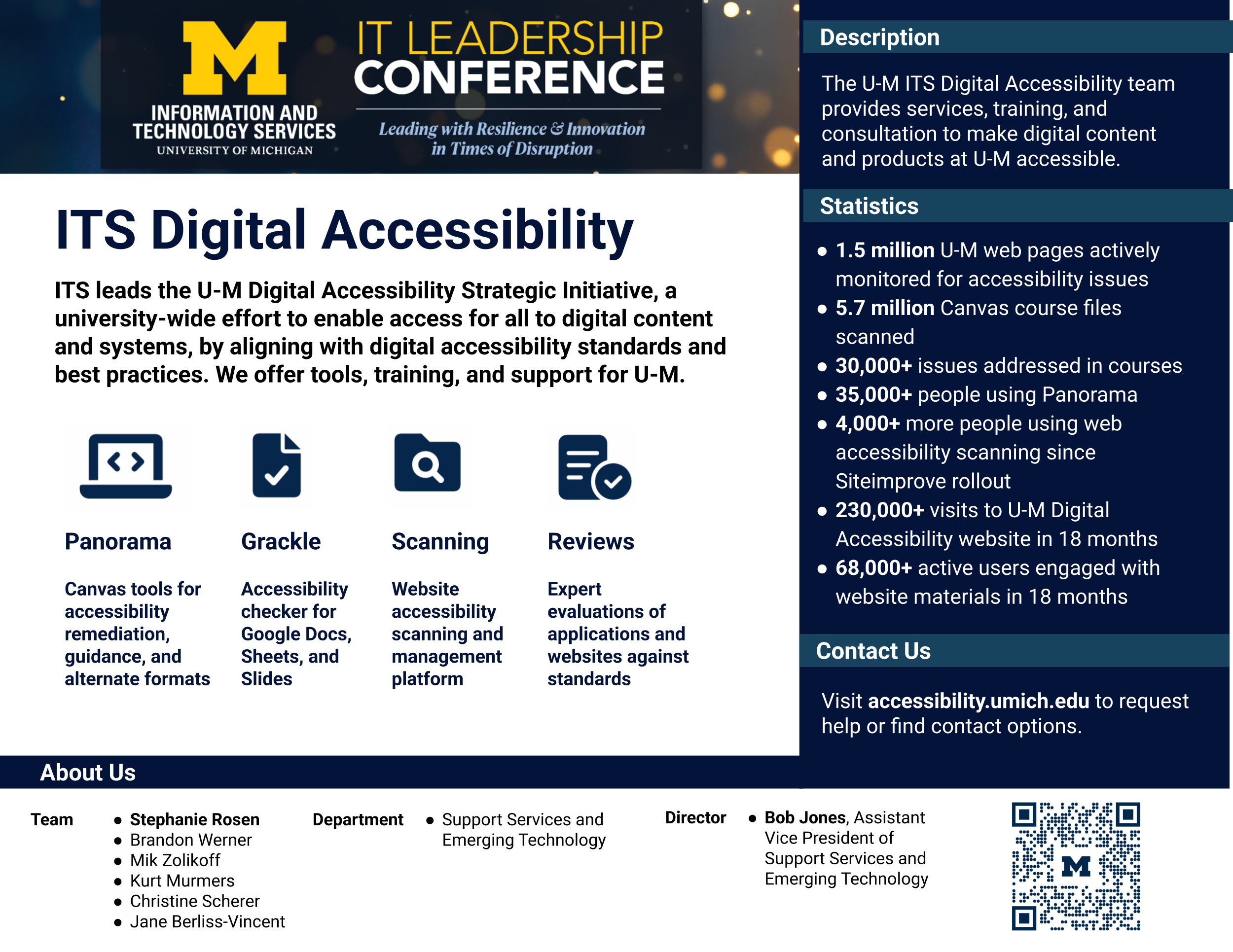
Digital accessibility means creating and maintaining digital content and technology—websites, web applications, PDFs and other
documents, videos, online forms, and course materials—so that people with disabilities can perceive, understand, navigate, and interact with it. In practice, this includes things like making sure content works with screen readers, providing captions and transcripts for audio/video, using sufficient color contrast, writing meaningful link text, structuring pages and documents with proper headings, ensuring forms have clear labels and error messages, and making sure everything can be used with a keyboard (not just a mouse or trackpad). Digital accessibility is often guided by recognized standards such as the Web Content Accessibility Guidelines (WCAG) 2.1 AA. It matters because accessibility is central to equity and inclusion: students, faculty, staff, patients, and visitors should be able to access information and services without barriers. It also improves the experience for many people beyond those who identify as having a disability—for example, captions help in noisy environments, good structure helps on mobile devices, clear navigation saves time, and accessible documents are easier to search and reuse. Building accessibility in from the start also reduces last‑minute fixes and supports more consistent, higher-quality communication and teaching.
For University of Michigan-specific guidance, tools, training opportunities, and support, the best starting point is
accessibility.umich.edu. There you can find practical how‑to resources (web, document, and multimedia accessibility), information
about U‑M expectations and processes, and ways to connect with help when you’re updating content, developing a site or tool, building a Canvas course, or evaluating vendor technology.