
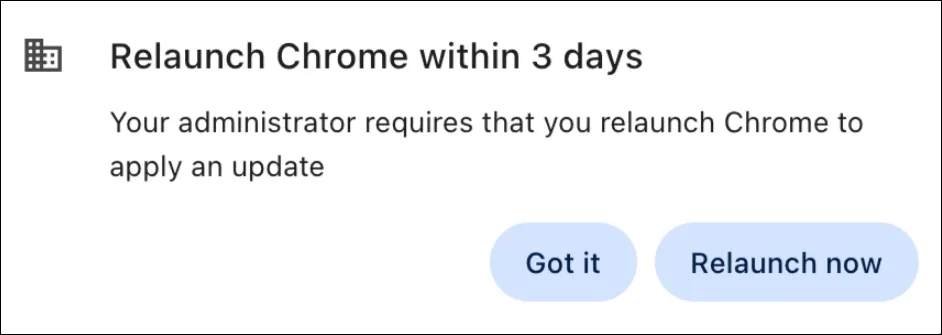
Similar to the behavior already implemented on managed Macs, managed Windows devices will now require a restart of the Google Chrome and Microsoft Edge web browsers after new versions are released to ensure your browser is updated with the latest security patches and protected against vulnerabilities.
Although the browsers are set to auto-update, the updates cannot install while the browser is running.
Users will be notified by a pop-up message from within the browser window that the application requires a relaunch in the near future. After a new browser version is released, devices will have four days to update before an auto-relaunch is initiated. An in-browser pop-up reminder to restart the browser will occur each day of the four-day window.
If a device is asleep or off at the time of the scheduled restart, the Chrome pop-up may display a negative amount of time, prior to restarting itself. This is a known issue that the Chromium project has not resolved.
The relaunches are currently constrained to occur between 10:45 PM - 6:45 AM unless the scheduled restart is missed due to the device being in standby mode. If machines are asleep at the scheduled time of the browser relaunch, the relaunch will occur shortly after the device is back online and awake.
Customers who do not have their browser settings configured to Continue where you left off (Chrome) or Open tabs from the previous session (Edge) may lose existing open tabs on relaunch. See instructions to configure your browser settings for more information.