
Go passwordless with Okta FastPass
Speed through the sign-in process with Okta FastPass
Supercharge your sign-in with Okta FastPass
Set up Okta Verify’s FastPass feature on your computer and sign in without having to use your phone

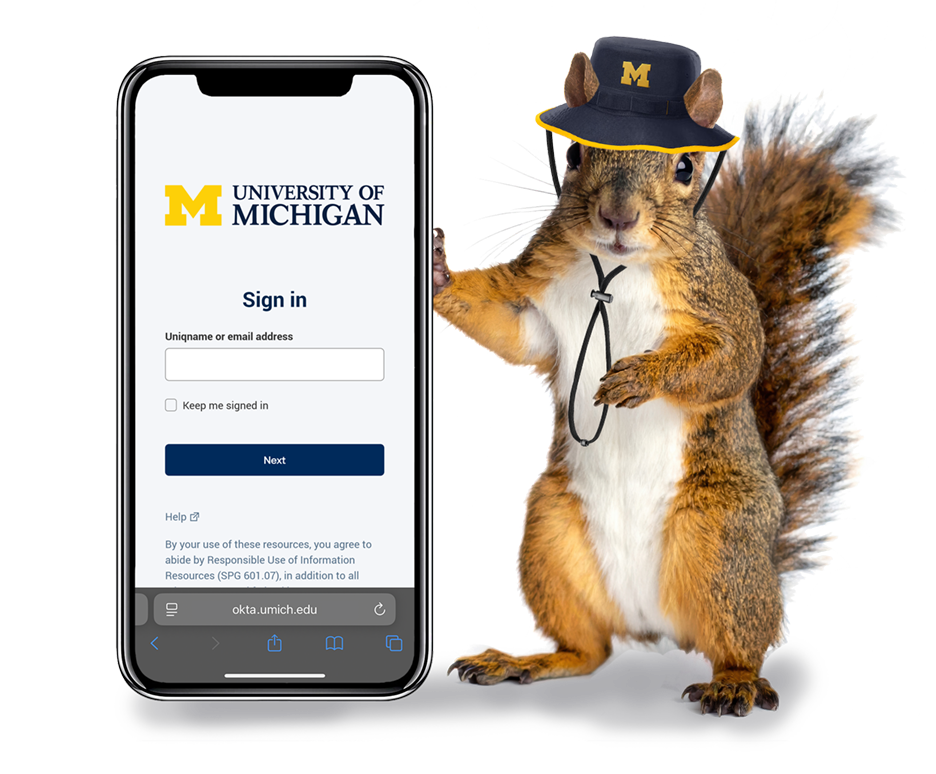



Sign in to your UMICH account faster
With Okta FastPass, access your account without your phone using Touch ID, Face ID, or PIN depending on your operating system
New authentication features for the leaders and best
With Okta FastPass, select your favorite way to access your UMICH account without using your phone
Touch ID
(macOS & Windows Hello)
PIN
(Windows Hello)

Face ID
(Windows Hello)
Biometric information is stored on your device and is not accessible by Okta or the University of Michigan
For Michigan Medicine users: Details on this page apply to most U-M community members. However, there may be additional information relevant to your experience in MM. For details and FAQs, please visit the Okta Verify MFA SharePoint site.